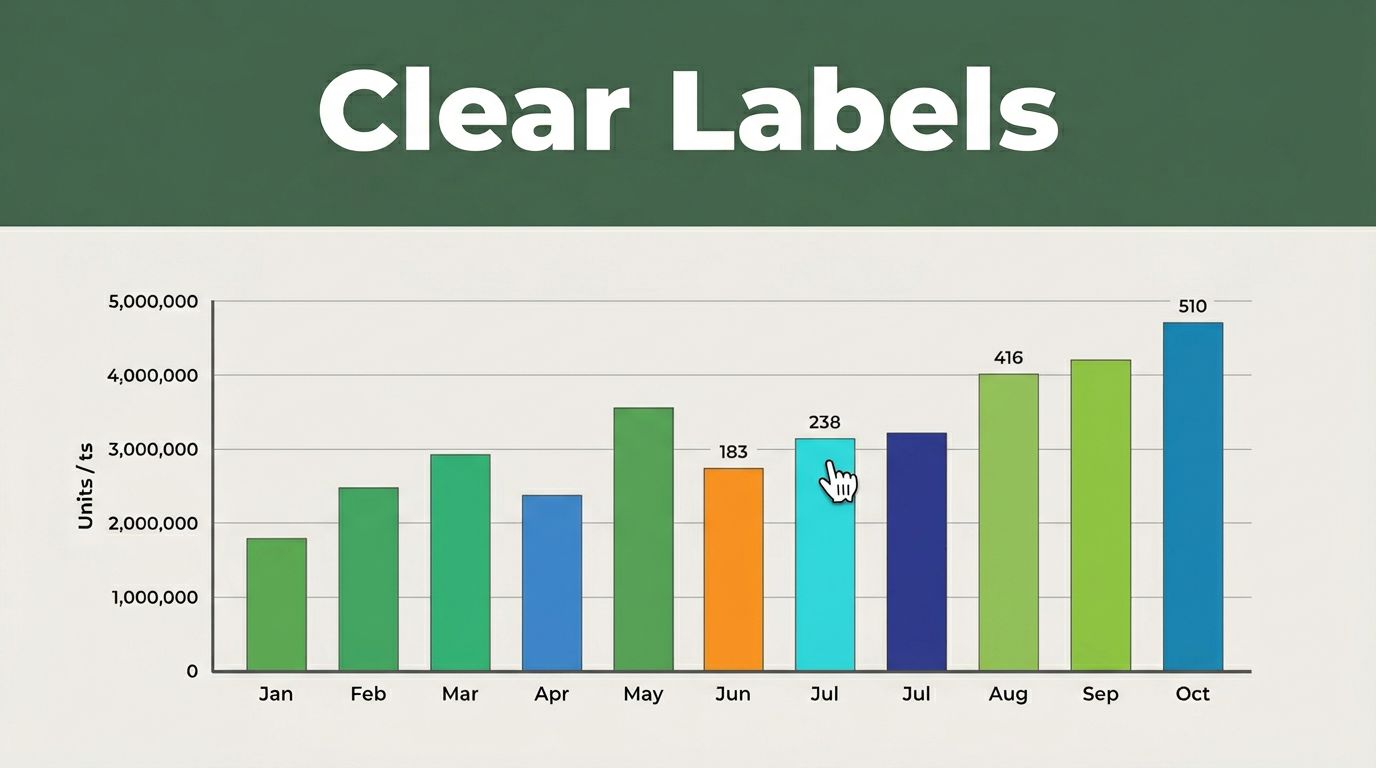
Imagine a sales manager staring at a bar chart during a team meeting. The axes lack units. A legend hides in the corner. She picks the wrong trend and greenlights a flawed strategy. Chaos follows.
Poor labels turn data into guesswork. They waste time and erode trust. Clear graph labels fix that. They deliver quick insights. You build confidence in your visuals. This guide covers why labels matter. It breaks down key elements. You get positioning tips and fixes for common errors. Plus, accessibility steps and 2026 trends. Follow these for reports, presentations, or blog posts.
Why Clear Graph Labels Boost Understanding and Trust
Good labels speed up comprehension. Readers grasp points in seconds. Bad ones force squinting and second-guessing. Studies show direct labels beat legends. People process them 20% faster.
Consider business reports. A vague chart confuses executives. They miss drops in revenue. Clear ones highlight issues right away. Students use them to ace presentations. Bloggers keep readers hooked with data.
Fewer errors mean better decisions. Teams act on facts, not hunches. Audiences connect stronger. They trust your message because it feels straightforward.

This before-and-after shows the difference. The left graph muddles sales data. No units confuse scale. The right one shines with specifics. Readers spot regional leaders instantly. For more strategies, check graph labeling strategies from PolicyViz.
In short, labels bridge data to action. They turn numbers into stories everyone follows.
Master the Core Elements Every Graph Label Needs
Start with basics that pack punch. Every graph needs a strong title, precise axes, and readable text. Skip these, and confusion creeps in.
Titles grab attention first. They set context. Axis labels add details like units. Fonts ensure visibility across devices.

Craft Titles That Tell the Full Story at a Glance
Good titles reveal insights upfront. They answer “so what?” right away. Vague ones like “Monthly Sales” fall flat.
Try “Sales Dropped 15% in Q3 Due to Supply Issues.” It flags the problem. Science graphs work the same. “CO2 Levels Rose 5% from 2020-2025” beats “Emissions Data.”
Trend charts shine too. “Website Traffic Spiked 30% Post-Redesign” draws eyes. These set expectations. Readers know the takeaway before diving in.
Action-oriented titles guide focus. They highlight changes or peaks. Always test yours. Does it stand alone?
Axis Labels: Add Units to Avoid Guesswork
Axes need names and units every time. “Revenue (Million USD)” beats plain “Revenue.” Seconds? Add “(seconds).” Percentages? Show “(%).”
X and y axes both count. Miss units, and scales mislead. A bar might look huge without context.
Bad example: Y-axis “Values,” x-axis “Time.” Readers guess. Good: Y-axis “Profit (Thousands USD),” x-axis “Months (2025).”
Ticks help too. Space them evenly. Label major ones only. This keeps things clean. Units prevent mix-ups across global teams.
Choose Readable Fonts and Sizes for Any Screen
Sans-serif fonts win for clarity. Arial or Helvetica work best. They avoid curly distractions.
Titles take 14-16 point size. Labels get 10-12 points. Too small strains eyes. Too big crowds space.
Print needs bolder weights. Digital favors lighter ones for screens. Test on phones. Does it hold up zoomed out?
Quick readability tests from data viz experts confirm choices. Simple fonts scale everywhere. They make graphs pop without effort.
Position and Style Labels So Readers Get It Instantly
Placement matters as much as words. Put labels where eyes go naturally. Direct them to data points. Skip jumps to legends.
Style keeps it neat. Align properly. Match colors. Readers connect dots fast.
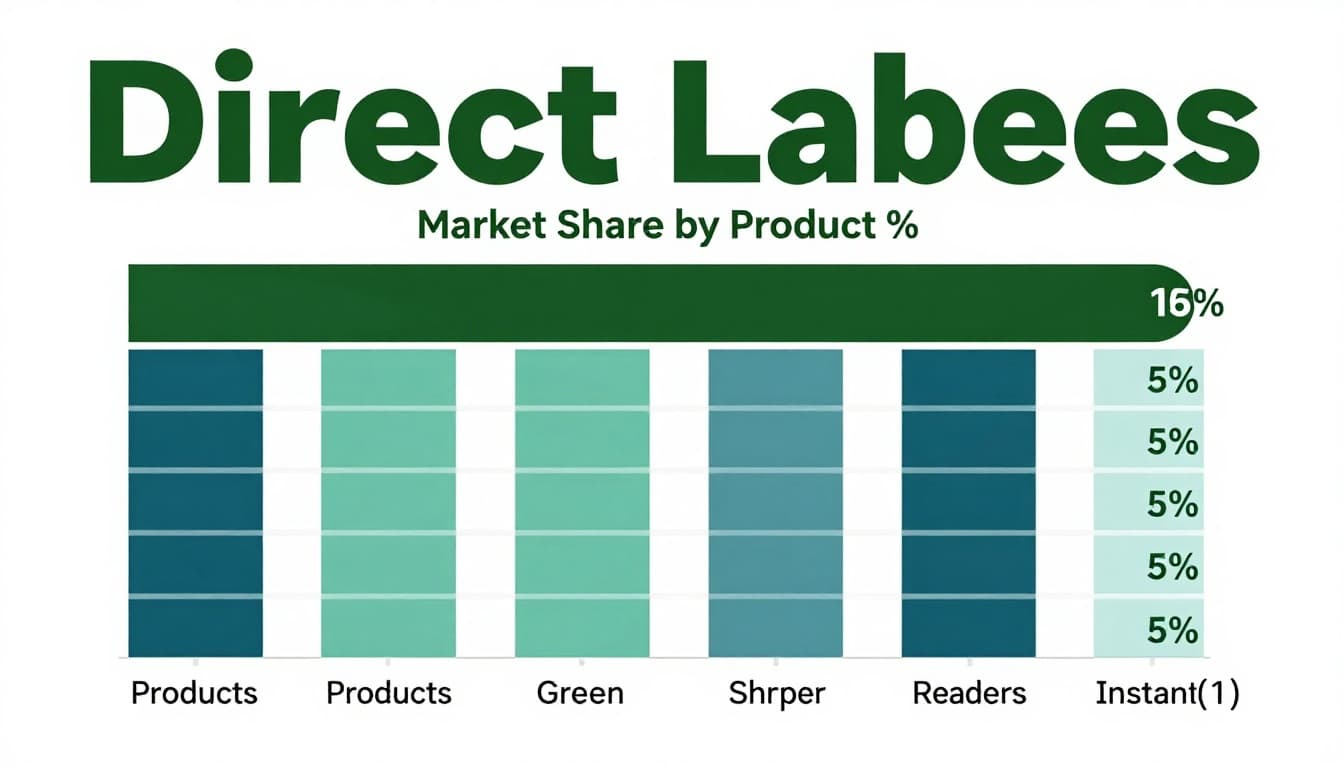
Label Data Right on the Graph, Skip Separate Legends
Experts push on-graph labels. They cut mental effort. Legends force back-and-forth scans.
Pros of direct labels: Instant links to bars or lines. Cons of legends: Extra space and confusion. For bar graphs, see how to label bars effectively.
Place values at ends or peaks. Overlap slightly if needed. Readers get it without hunting.
Smart Spots for Labels That Guide the Eye
Right-align labels outside bars. They form neat columns. Avoid chart overlap.
More than seven categories? Switch to horizontal bars. Labels fit easy. Long names stack clean.
Single columns scan fastest. Cluster left or right. Space evenly for flow. Eyes follow without strain.
Match Colors Between Labels and Data for Quick Links
Same hue ties text to visuals. Blue bar gets blue label. Green line matches green text.
This builds links without words. Readers pair them subconsciously. Test contrasts too. Dark text on light backgrounds pops.
Keep palettes simple. Three to five colors max. Consistency speeds understanding.
Common Mistakes That Ruin Graph Clarity and How to Fix Them
Pitfalls trip up even pros. Spot them early. Fix with simple swaps.
3D charts distort views. Animations distract from static truths. Inconsistent colors confuse repeats.
Skip 3D Effects and Animations That Distract
3D tilts bars. Perspective tricks eyes on sizes. Stick to flat 2D. Data stays honest.
Animations shine in demos. Static reports need stillness. Viewers focus on labels, not motion.
Stay Consistent with Colors Across All Your Graphs
Red means loss every time. Blue for growth. Switches force relearning.
Build a style guide. Reuse palettes. Brains lock in meanings fast.
Make Graphs Inclusive Plus 2026 Trends to Watch
Accessibility builds wider reach. Follow basics now. New rules hit soon.
Contrast ratios hit 4.5:1. Use colorblind palettes. Add patterns or textures. Never rely on color alone.
Screen readers need alt text. Describe trends in words. Link raw data for downloads.
By April 2026, WCAG 2.1 Level AA becomes standard for public sites. Graphs must include titles, descriptions, and keyboard access. See Harvard’s guide on accessible charts.
Trends point to AI tools. They suggest types and labels. Brands customize visuals. Accessibility starts at creation.
Tools like Excel add labels easy. Advanced ones auto-check compliance. Future-proof your work.
Key Takeaways for Crystal-Clear Graphs
Direct labels cut confusion. Units on axes prevent errors. Accessibility ensures everyone follows.
Audit one graph today. Swap legends for on-chart text. Add descriptions.
Share your before-and-after in comments. Try free tools for tests. Confident visuals drive real impact. Your data deserves it.