You spot a graph in the news about rising gas prices. It looks alarming at first glance. Then you realize the scale starts at $3.50, not zero, so the jump isn’t as bad as it seems. That quick misread could sway your shopping choices or vote.
Anyone can fall into this trap, whether you’re a student checking homework stats or a manager eyeing sales reports. Graphs pack data into visuals, but they confuse without a plan. Good news: you can learn how to read any graph step by step with a simple method. It works for bar charts, lines, pies, and even interactive ones on your phone.
This guide breaks it down into clear actions. You’ll spot trends in health data or stock moves fast. By the end, everyday graphs become easy tools, not puzzles. Let’s start with the basics.
Scan the Setup First to Grasp What the Graph Shows
Graphs hide tricks in their setup. Rush past this, and you’ll chase false leads. Always pause to check the frame before diving into numbers.
First, read the title. It tells the big picture, like “Monthly Sales by Product, 2025.” Next, find the legend. Colors or lines match data groups, such as blue for apples and red for oranges. Footnotes add context, like “Data excludes taxes.”
Axes come next. The x-axis often shows categories or time, labeled with months or products. The y-axis holds values, like dollars or percentages. Units matter; $10,000 differs from 10,000 units.
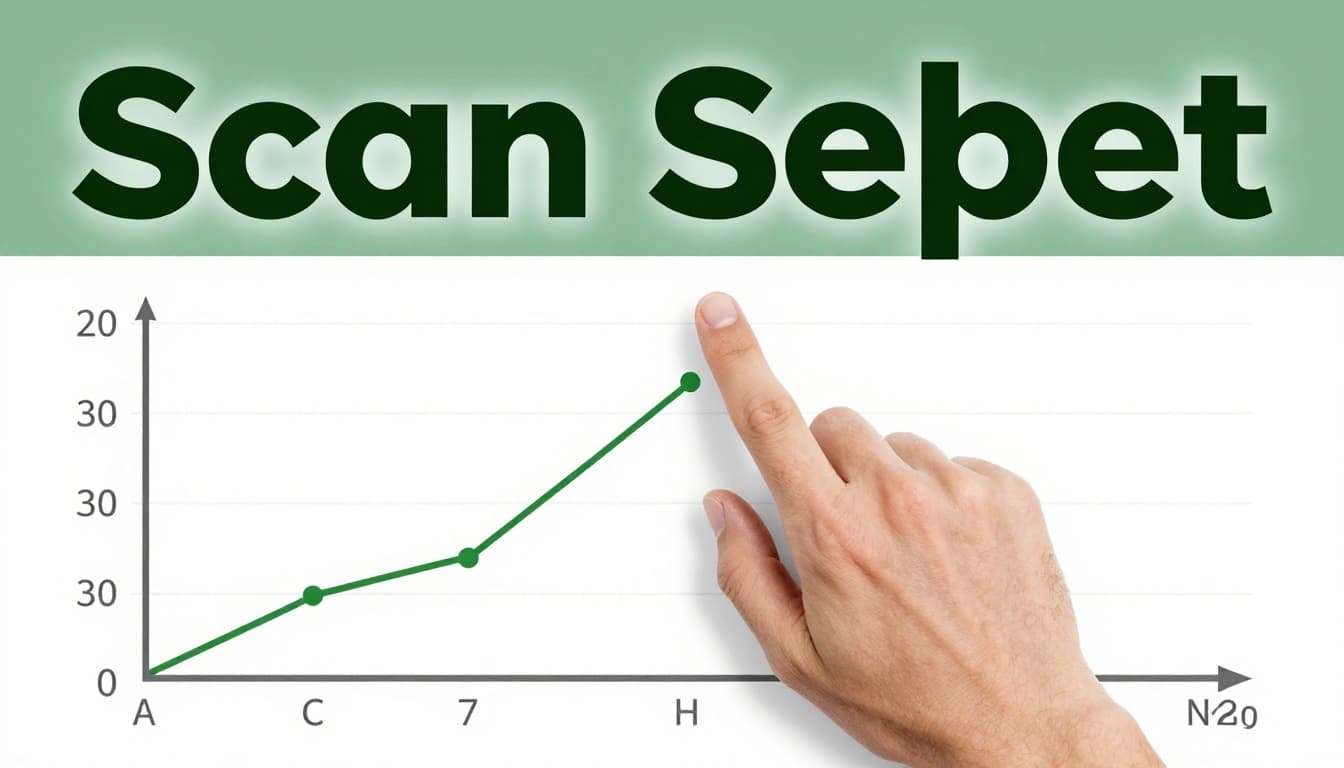
Scales seal the deal. Tick marks show intervals, every $100 or 10%. If the y-axis skips zero, small shifts look huge. For example, a temperature graph from 90 to 100 degrees exaggerates a 5-degree rise.
Kick Off with Title, Legend, and Labels
Titles set the topic. Skip them, and you guess wrong. Legends decode symbols. In a fruit sales chart, blue means apples; assume, and you’ll mix up results.
Labels clarify axes. X might read “Months: Jan-Dec,” y as “Revenue ($ thousands).” Check both ends. This step takes seconds but saves confusion.
Examine the Axes for What and How It’s Measured
X-axes track independent items, like time periods. Y-axes show dependent results, such as revenue tied to those months. Units like “%” or “lbs” prevent mix-ups.
Picture a weather graph. X lists days; y marks temperature in Fahrenheit. Clear labels let you connect dots right away.
Double-Check Scales to Avoid Size Tricks
Intervals guide estimates. Marks every 20 units? Eyeball halfway points. If scales truncate, like starting at 90%, recalibrate mentally.
For deeper steps on axes and scales, see wikiHow’s guide to reading graphs. Practice spots bad setups fast.
Uncover the Data Points and Spot Key Patterns
Setup clear? Now hunt the data. Trace lines or bars precisely. This reveals real stories.
Start with exact values. On a line graph, drop a vertical from the x-point to the line, then horizontal to y. Bars work the same: height matches numbers. Estimate middles, like halfway between 50 and 60.
Patterns emerge next. Rising lines signal growth; falls mean drops. Steep slopes show fast change, flat ones stability. Clusters group similar values. Outliers stand alone, worth a second look.
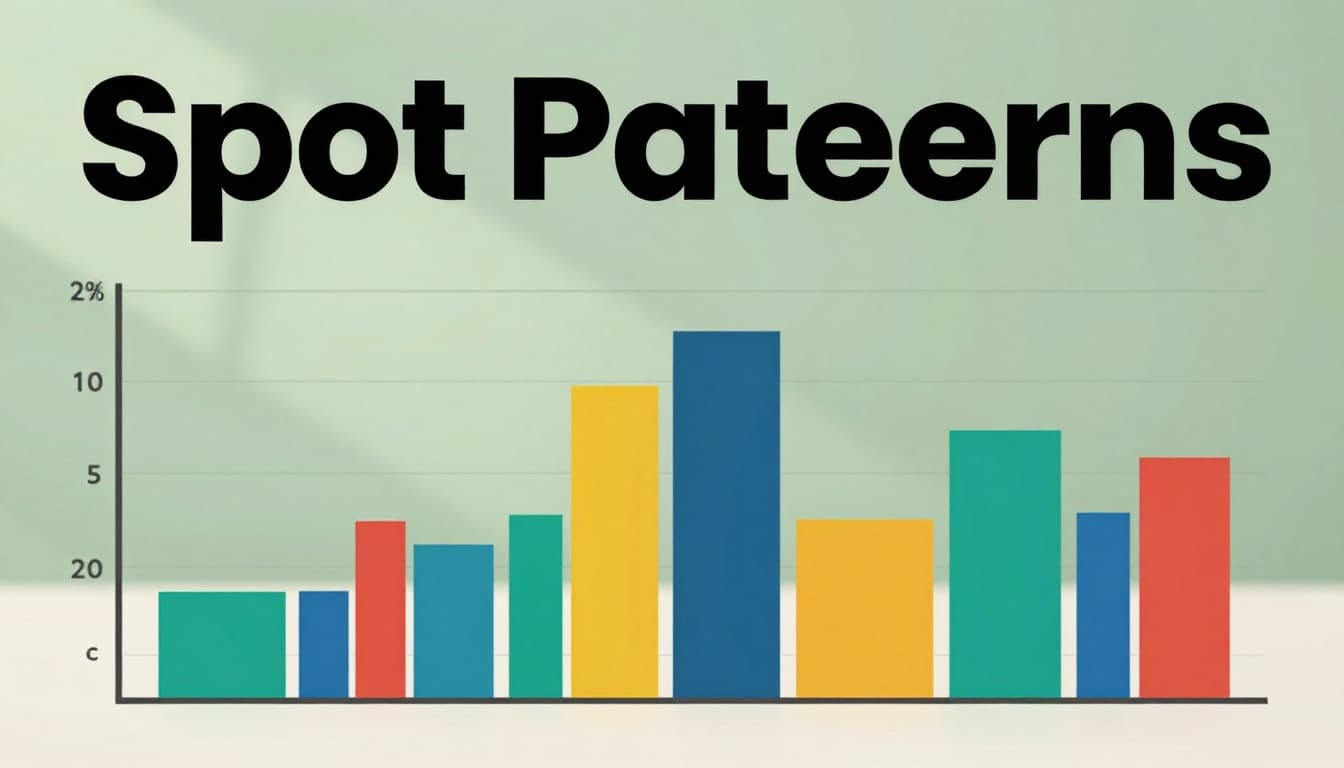
Compare groups. Multiple lines? Which leads? In stocks, a sharp dip might flag news events.
Trace to Find Exact Values and Estimates
Vertical line from x, horizontal to data, read y. Midway? Average the ticks. Bars align tops to scales.
Hunt for Trends, Changes, and Oddballs
Uptrends climb left to right. Downtrends reverse. Plateaus hold steady. Outliers break the flow; question why.
Verify the Source for Reliable Insights
Check the bottom for origins, dates, creators. Government sites beat unknowns. Fresh data from 2026 trumps old stats. Trust builds here.
Master These Common Graph Types with Ease
Each type suits data. Know them, and steps speed up. Bar for groups, line for time.
Bar Graphs: Compare Categories Side by Side
Heights show amounts. Gaps separate groups. Example: Product A at 200 units towers over B’s 80. Side-by-side compares quarters.
Line Graphs: Follow Changes Over Time
Points connect for trends. Slope tracks rate. Multiple lines pit sales against costs.
Pie Charts: Slice Up the Whole Picture
Slices total 100%. Largest angle dominates, like 40% market share. Compare relatives, not absolutes.
Scatter Plots: Reveal Hidden Relationships
Dots pair variables. Tight clusters link them; trend lines slope up for positive ties. Loose spreads show weak bonds.
Histograms: See How Data Spreads Out
Bars touch for ranges, like ages 20-30. Shape reveals normal bell or skewed piles.
Question unfit types. Pies flop for many slices; bars shine there.
Sidestep Traps and Sharpen Your Graph Skills
Mistakes derail reads. Bad scales inflate changes. Ignore legends, mix data.
Eyeball without numbers fails. Outliers get missed. Sources skipped erode trust.
Watch Out for These Frequent Reading Blunders
Truncated scales exaggerate. No-zero y-axis boosts tiny gains. Legend oversights swap lines. For examples, check Sigma’s misleading graphs post.
Pro Moves to Interpret Like an Expert
Read exacts first. Subtract for changes; average clusters. Ask: Does it fit context?
Handle 2026’s Interactive and AI Graphs
Hover reveals details; zoom drills down. AI tools like Tableau Pulse suggest insights. Core steps hold: scan setup, trace points. Trends favor live updates and predictions, per Infogram’s 2026 visualization trends.
Practice on news sites. Skills sharpen quick.
These steps boil down to six: scan title and legend, check axes, verify scales, trace values, spot patterns, trust sources. Grab a graph from your report or feed right now. Apply them; trends pop clear.
Share in comments: What’s a graph you decoded lately? Or a mistake you caught? Subscribe for more data tips. You’ll handle visuals in work or life with confidence from here.